
If you have purchase multiple assets, you can group them into a 'kit'.
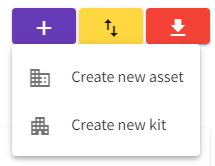
At the top right of the asset register, use the (+) to Creat new kit.
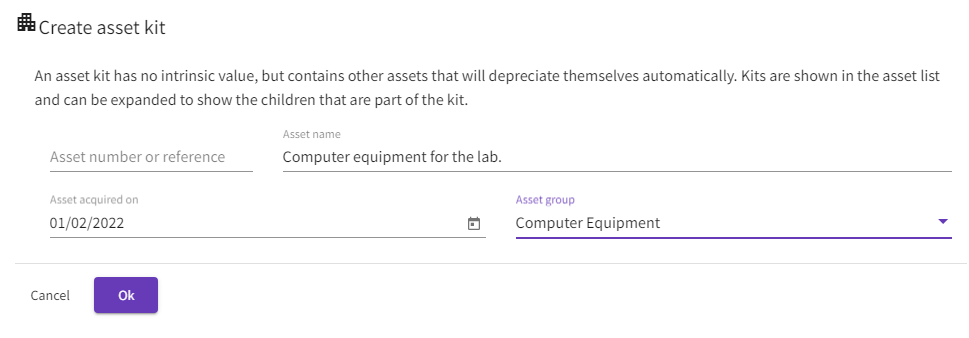
Give the kit an Asset name. The 'asset acquired date' can be today's date. This will not affect depreciaiton calculations - depreciaition will continue to be calculated against the individual items within the kit.
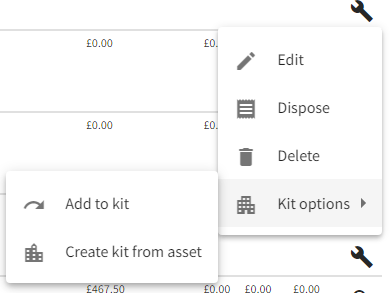
Once the kit has been saved, select an asset and choose to 'Add to kit'. (note: currently any assets with a zero net book value cannot be added to a kit)
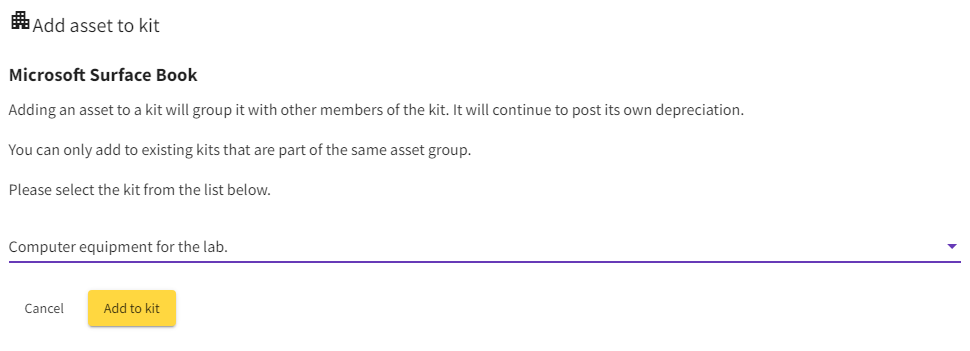
Then select the kit you wish to add the asset to.
Comments
0 comments
Please sign in to leave a comment.