
If you wish, nettTracker will automatically add an asset reference to an asset once it is saved. This feature can be updated from company settings.
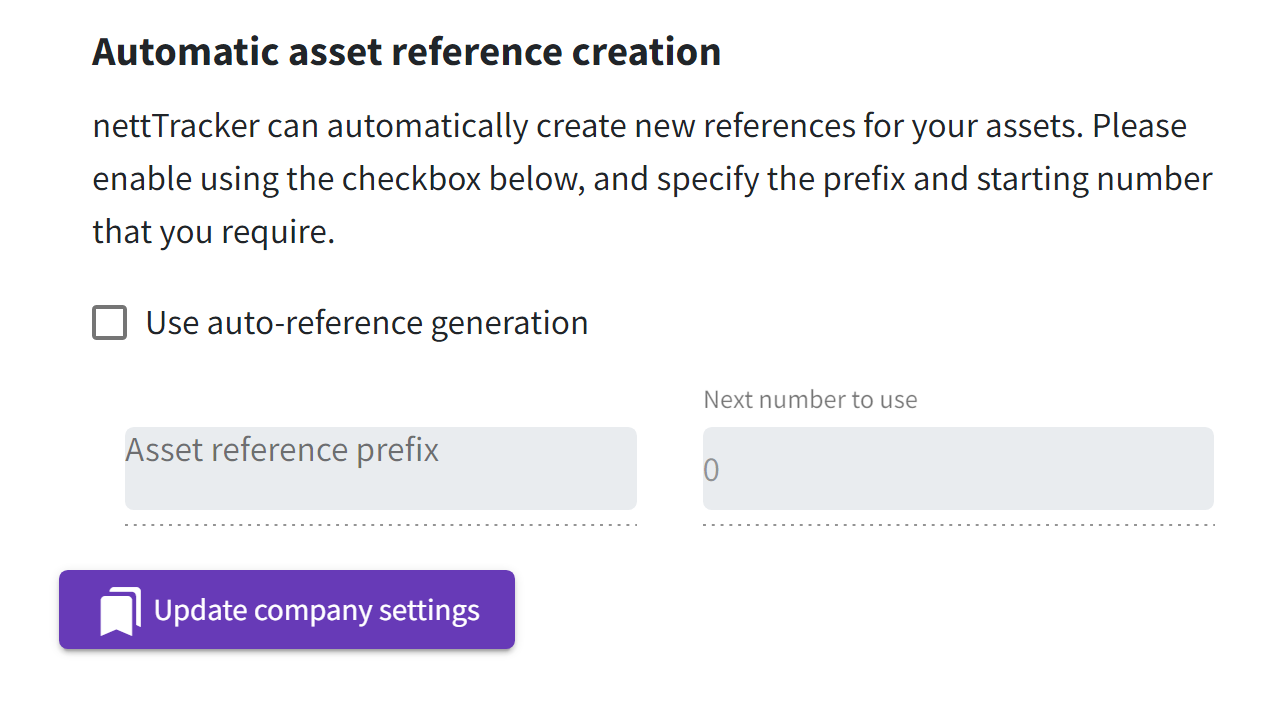
To set the next asset reference, tick the box for auto-asset reference generation. So if the next asset reference should be 30001, enter that value into the 'next number to use'. If you would like, you can add a prefix like 'FA-', so the next number could be FA-30001.
Please note this is a 'background setting', so if you choose to edit company settings again, the fields may appear blank, but the auto referencing function will have been activated. (if you tick the box again, and add a new number/prefix you will reset the start position)
When assets are added manually or from a transation, the asset reference will appear 'blank'.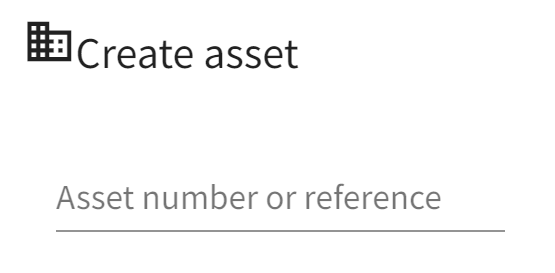
The number will be generated automatcially in the background when the asset is saved.
If you are using the option to automatcially add assets to the register, everything is done for you without having to log in at all.
Comments
0 comments
Please sign in to leave a comment.